If you are not sure what keyword you want to use, you can add a tilde in front of that term and Google will look for all synonyms of that word.
Synonym and Site Search
1. Enter your keywords, place a tilde in front of the term that you want to find a synonym for
2. Follow with [site:twitter.com]
3. For example, ["starbucks via" ~fantastic site:twitter.com]
View Synonym Finder Lesson.
As you can see from the image below, Twitter does not support the Synonym Finder Operator.
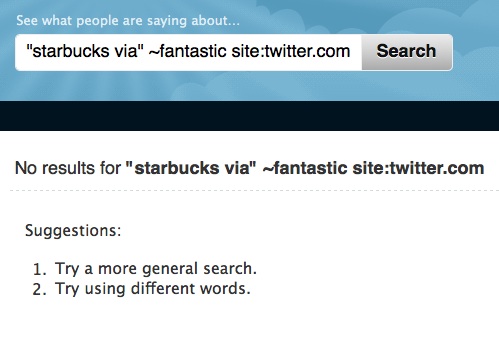
Click here to see results from Google.


 Posts
Posts


No comments:
Post a Comment