For example, if you wanted to know what people were saying about Starbucks Coffee Company and typed [starbucks site:twitter.com] you would get the following results; notice how they are almost all coming from the business itself:
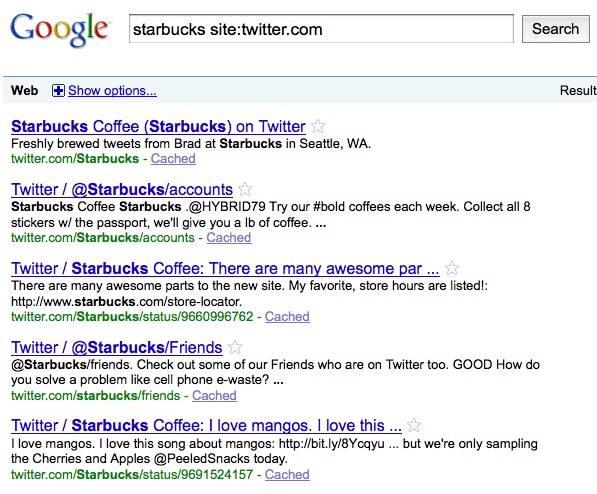
Click here to see a current result for this search.
Use Not Search and Site
1. Type your company or product name into the Google Search bar, followed by [site:twitter.com]
2. Exclude the company name by typing a minus sign in front of the company name -"/starbucks"
3. For example, [Starbucks -"/starbucks" site:twitter.com]. If the link does not work, copy and paste - Starbucks -"/starbucks" site:twitter.com - into the Google search bar.
Twitter does have a good ability to see what people are saying about a product. However, it is limited to a small number of results at one time, and there is no way to sort the results by date, which is the topic of next week's MicroLearning email.


 Posts
Posts


No comments:
Post a Comment